
Generate your site, check it on its preview address, publish changes and go live on your domain.
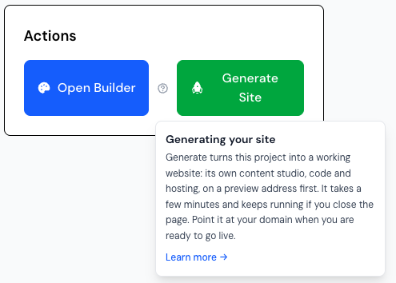
Generate Site turns the project into a working website with its website editor, on a preview address first. It takes a few minutes and keeps running if you close the page — come back any time to see where it is. If something goes wrong, the project page says what happened.
After the first generate, Redeploy publishes the builder’s current pages to the site. Edits made in the website editor (or through your Desk) since the last publish are replaced by the builder version, so choose one place to edit.
When the site is ready, we point it at your domain and give you the two DNS records to add at your domain provider. Once a site is live on its domain, change it through your Desk (or Claude / ChatGPT), or in the website editor — not in the builder.