
Describe the business, answer a few questions, approve the page plan, and we build the first version.
Choose Start with AI on your projects page and tell us about the business in a sentence or two. We hold a short conversation — one question at a time — about your customers, what makes you different and what visitors should do next.
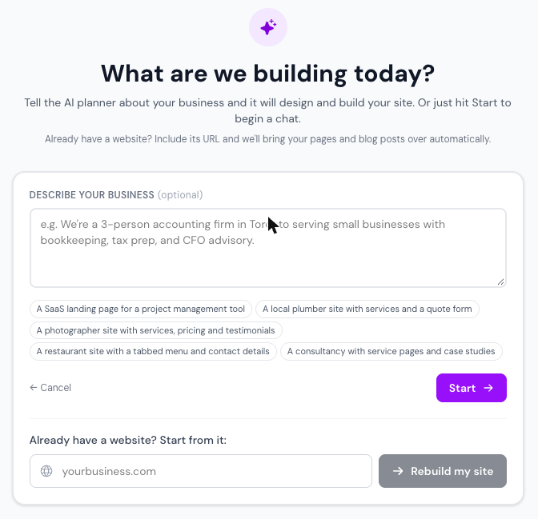
When we have enough, we show a plan: the pages and the sections on each. Choose Looks good, build it to go ahead, or Let me adjust to change it first.
We write each section, pick colours and images, and show the pages as they are built. You can leave the page — the build keeps running and you can come back to it.
When the plan is done, choose Done Planning → Move to Builder on the project page to edit everything yourself, section by section. This step cannot be undone, so finish the conversation first.