
Pick a palette, fine-tune colours, choose fonts and upload your logo.
Open the Branding tab in the builder. Everything here applies to the whole site.
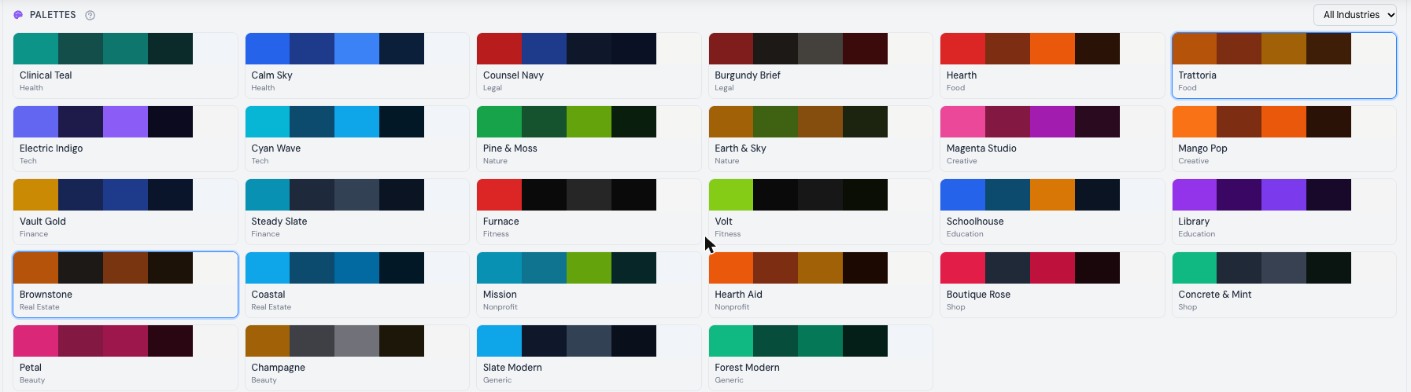
Each palette is a hand-picked set of colours checked for readable contrast: an accent for buttons and links, primary and secondary colours, and matching dark-mode and footer colours. Choose one to apply it all at once, then adjust any single colour underneath.
Upload your main logo, plus versions for light and dark backgrounds if you have them. No logo yet? Browse Icons lets you pick a simple mark.
Choose a heading font and a body font, or try a suggested pairing.