
See how each page lays out on a phone or tablet before it goes live.
Open the view menu in the builder’s toolbar (the screen icon) and choose Desktop, Tablet or Mobile. Tablet and mobile show the page laid out at that screen width — columns stack and text wraps the way visitors on those devices will see it.
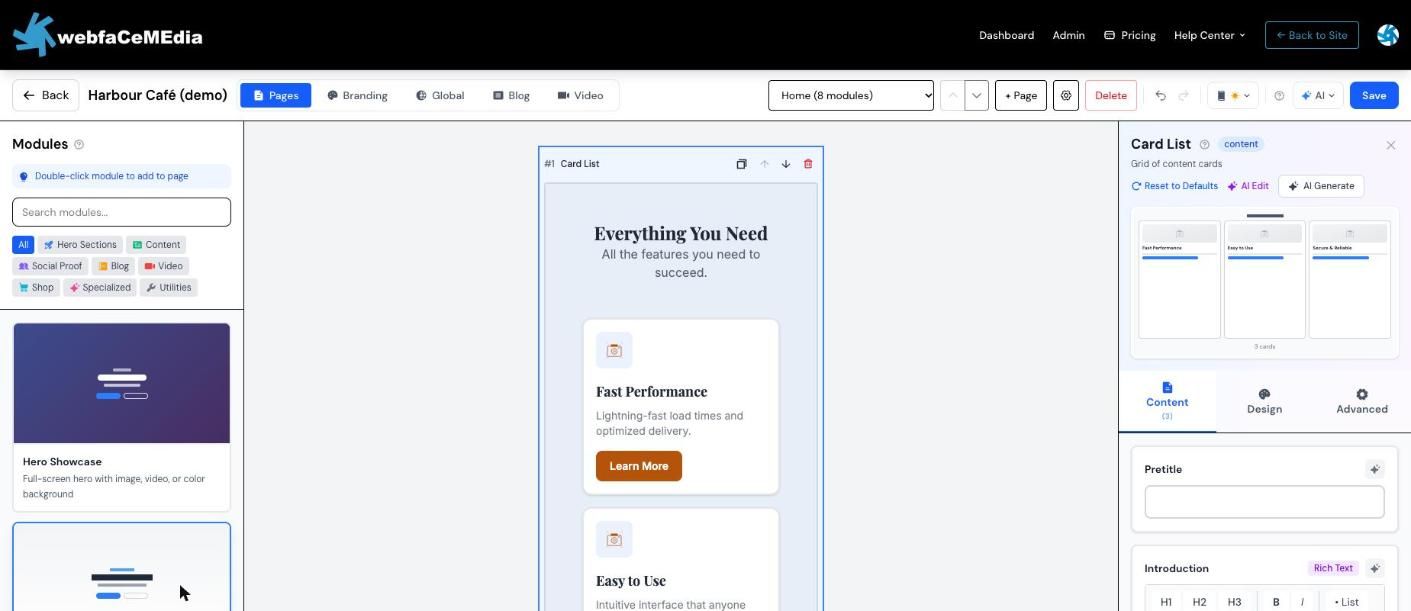
The same menu switches between the light and dark versions of your site. The canvas is a layout preview: fonts and colours follow your branding, and the live site has the full design.