webfaCe Studio · Lab
A lab project from webfaCeMEdia: how far today’s open image, video and music models go on hardware you can run yourself. Pictures, songs, video shots, storyboards and effects on footage you filmed. Every piece on this page came out of it.
Our productions
A music video, short films and stories. Same characters from shot to shot, lip-synced voices, scored and cut, start to finish on our studio GPU.
Tom Tom, "The OG"
Music video · 1:53
New from the lab
Scenes written as a performance: a held breath, eyes coming up, a voice that cracks on the last word. Each clip is one render from cast portraits and a script, voices included, on our studio GPU. The confession, the argument and the starship bridge are full-quality passes; the others are ten-minute drafts.
The confession
One close-up. Holding it in, admitting it, losing it.
The argument
Five cuts. It starts tense and one dry line turns it into a laugh.
The letter
Nobody speaks. Hope, then dread, then a face put back together.
The deadpan
A frozen sip, a flat question, a long look at the camera.
Jonah and Maya are two portraits. Put them on a starship or redraw them as cartoons and they are still the same two people, still playing the scene.
The order
A starship bridge, a hologram, and an order nobody wants to follow.
Last message
Alone in a helmet, trying to keep it light.
The deadpan, hand-drawn
The comedy beat again, in ink and flat colour.
Picture
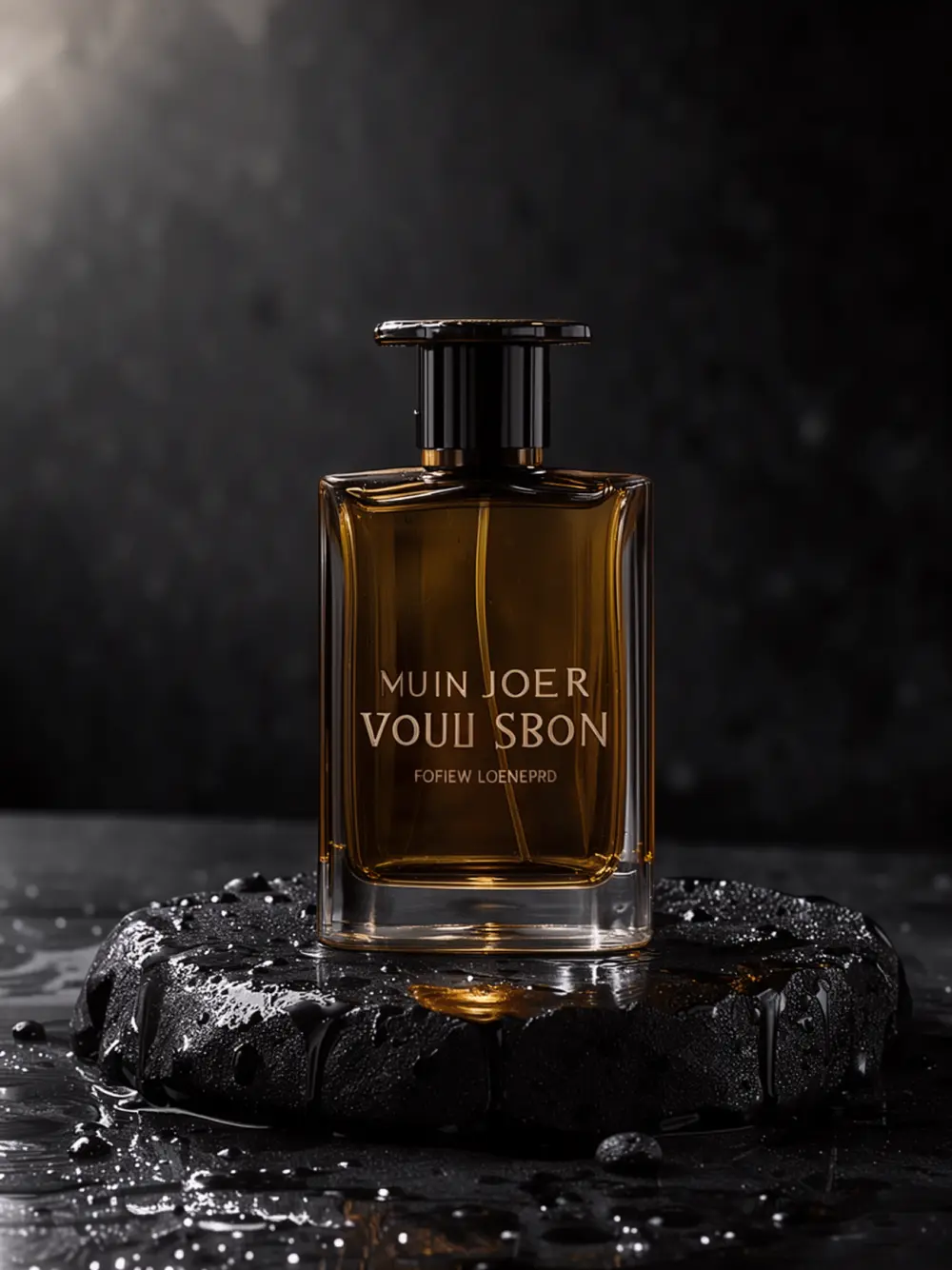
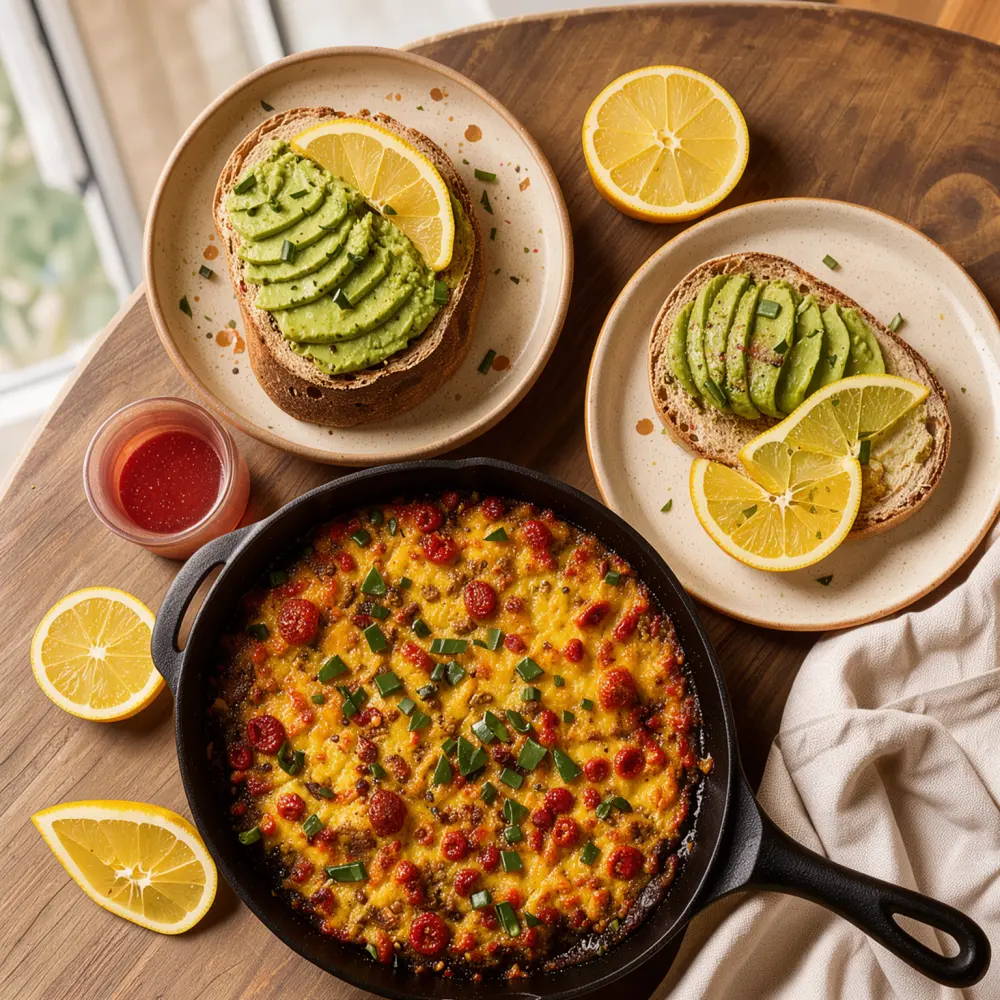
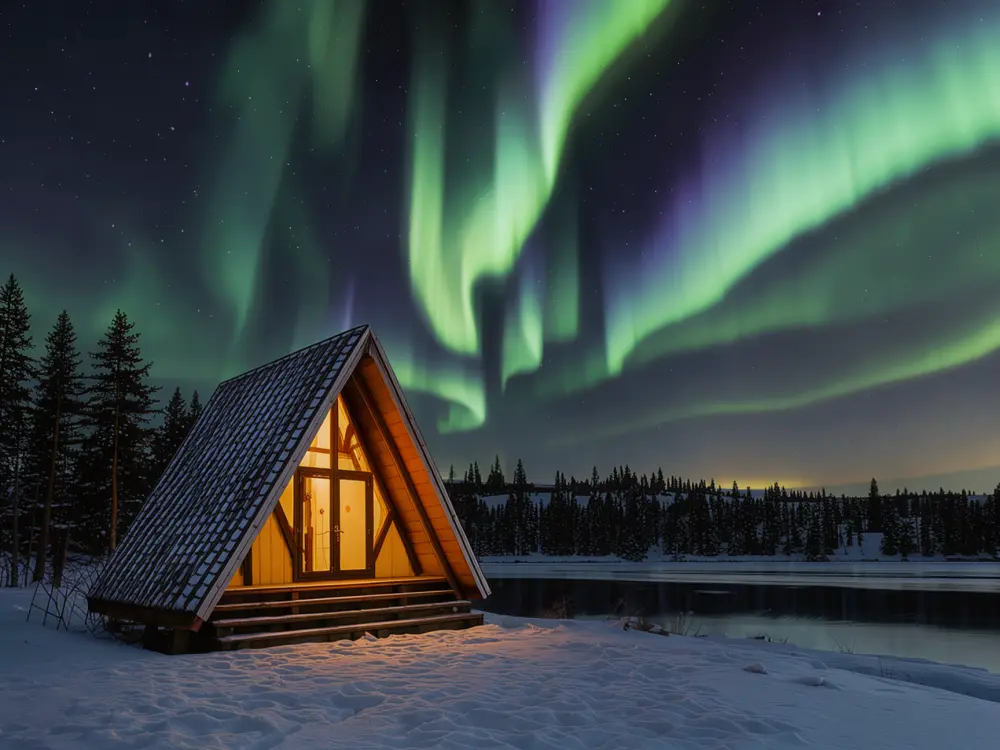
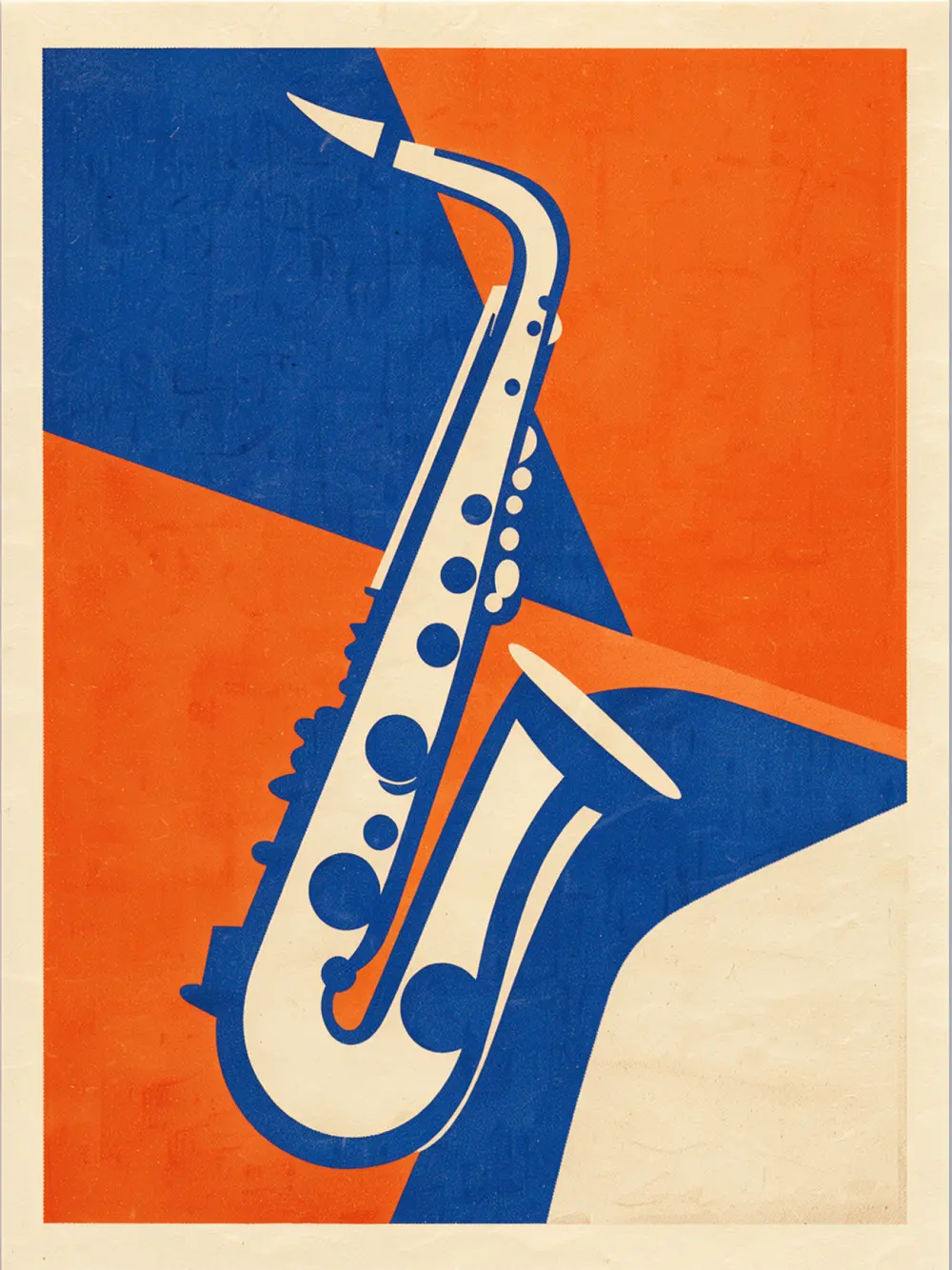
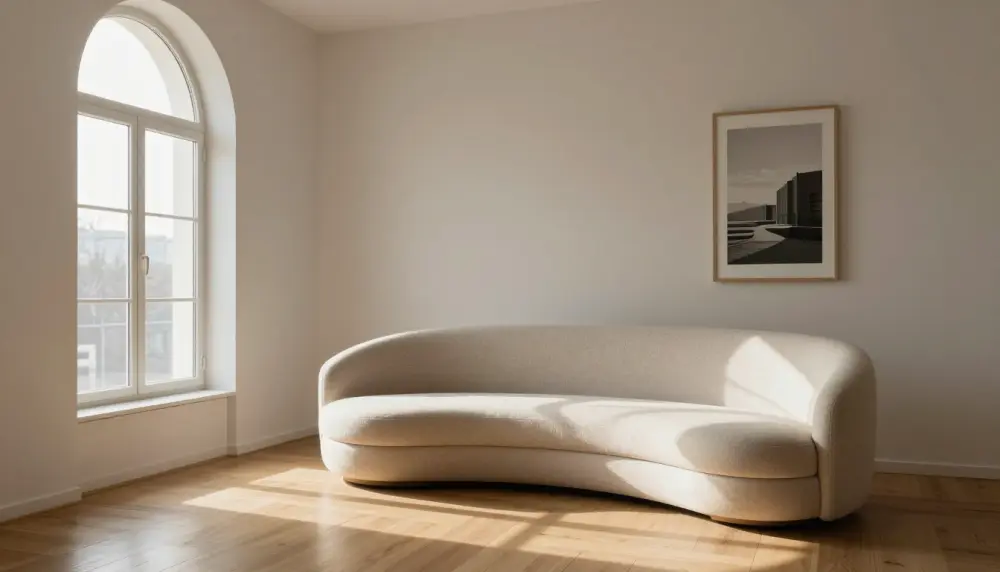
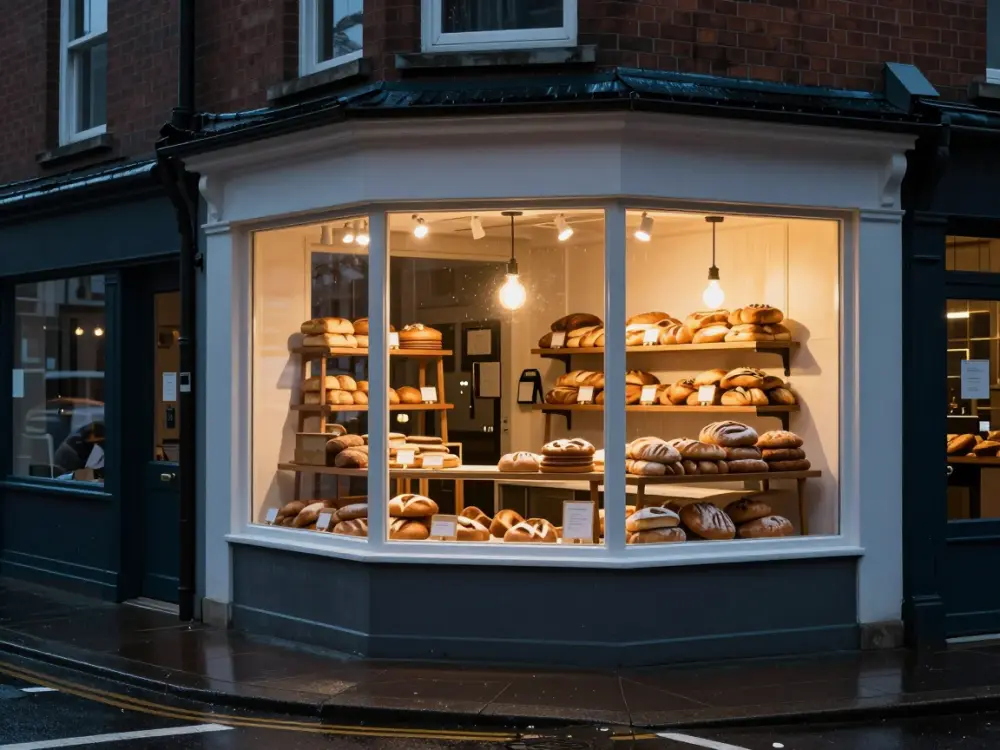
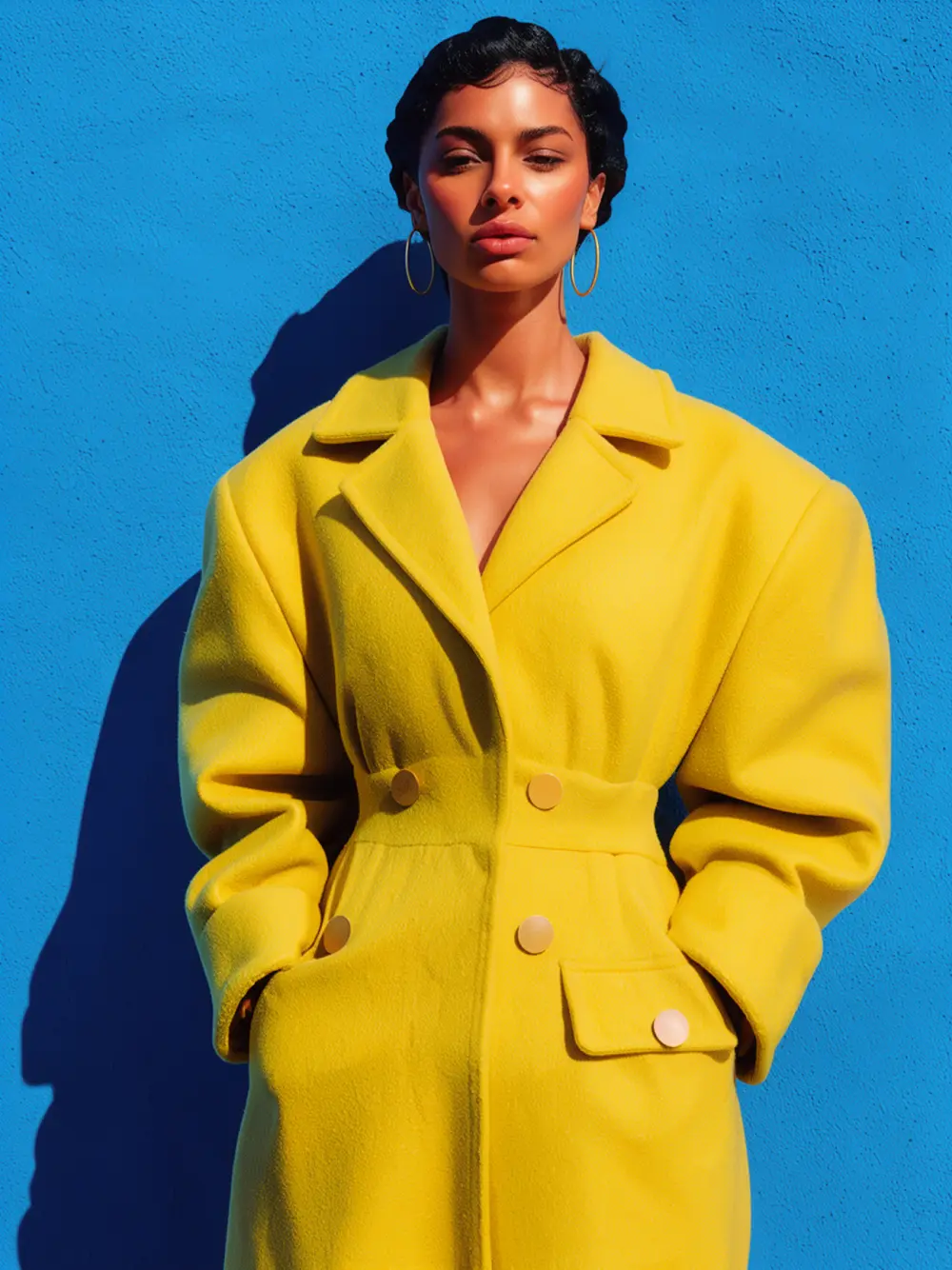
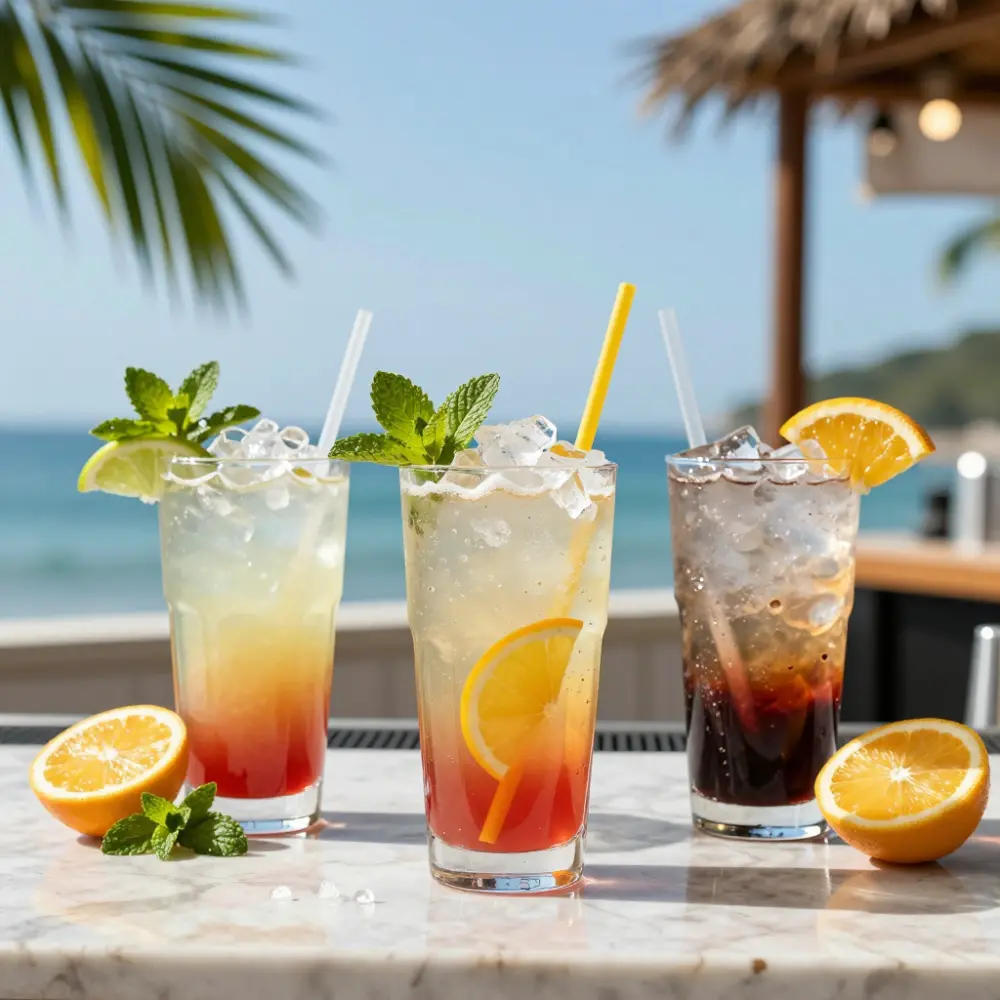
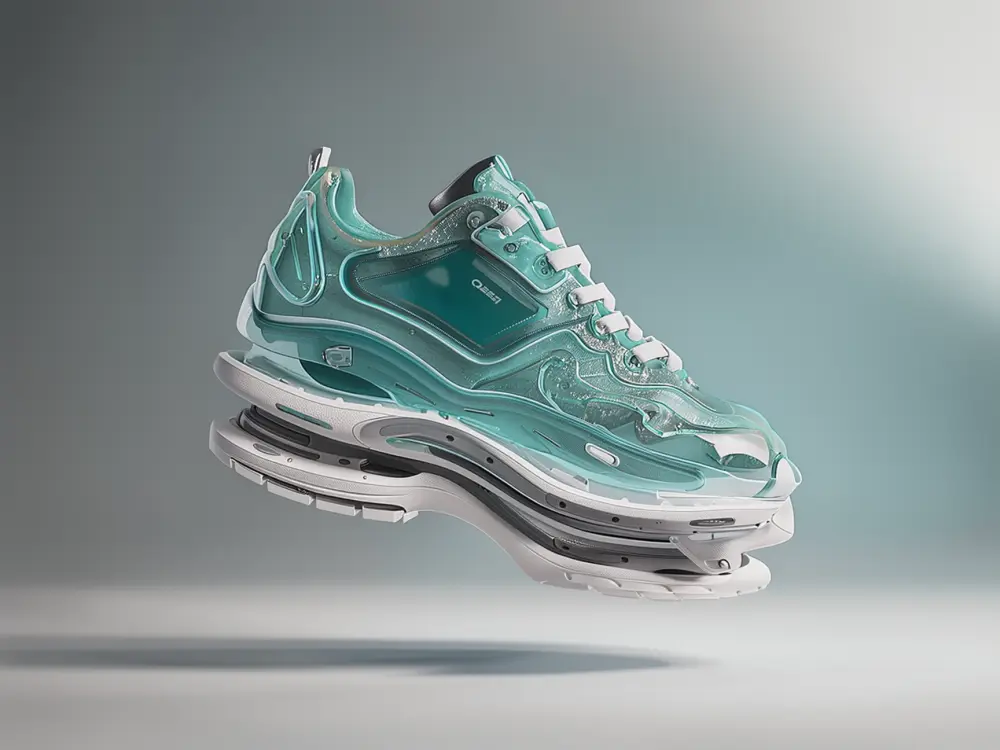
Photos, posters, products and portraits from a sentence, or from a photo of you.
Song
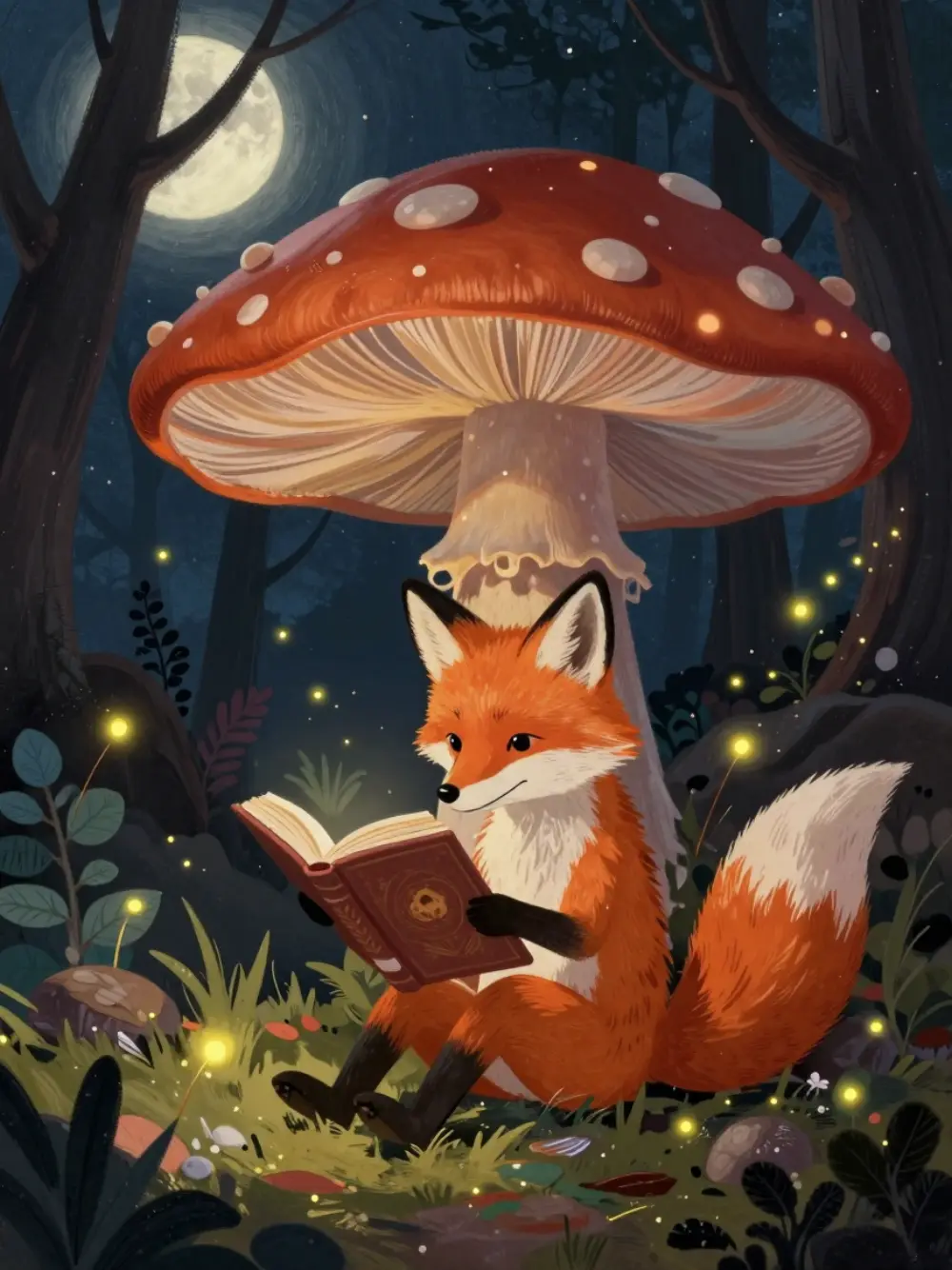
A full song with vocals in any genre. Write the words or let us draft them.
Video shot
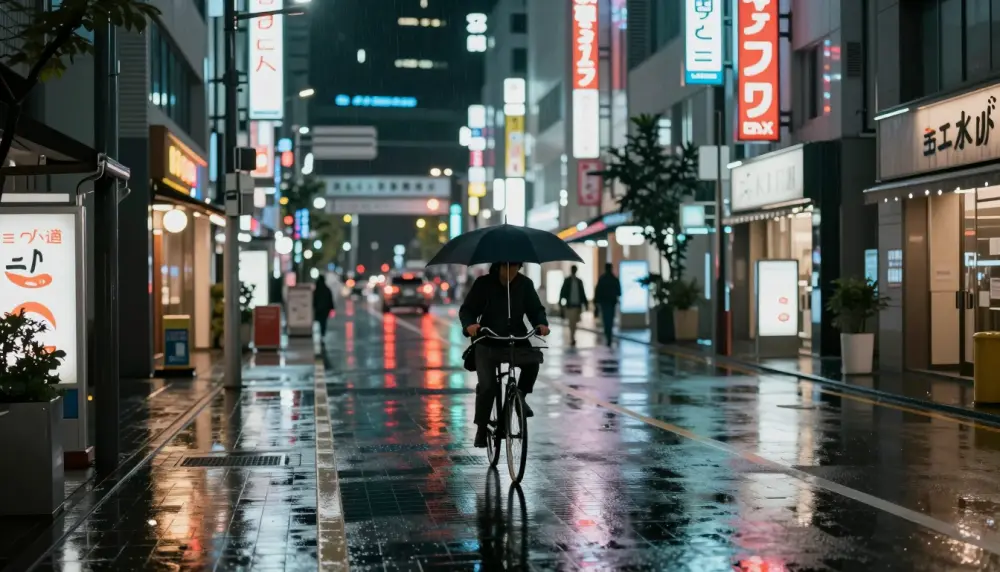
Bring any picture to life: say what moves and how the camera goes.
Storyboard
Shot by shot, same character throughout, narrated, cut into one video.
Effects
Change one thing in footage you filmed. Tap it, say what it becomes, the rest stays as shot.
Inside Studio
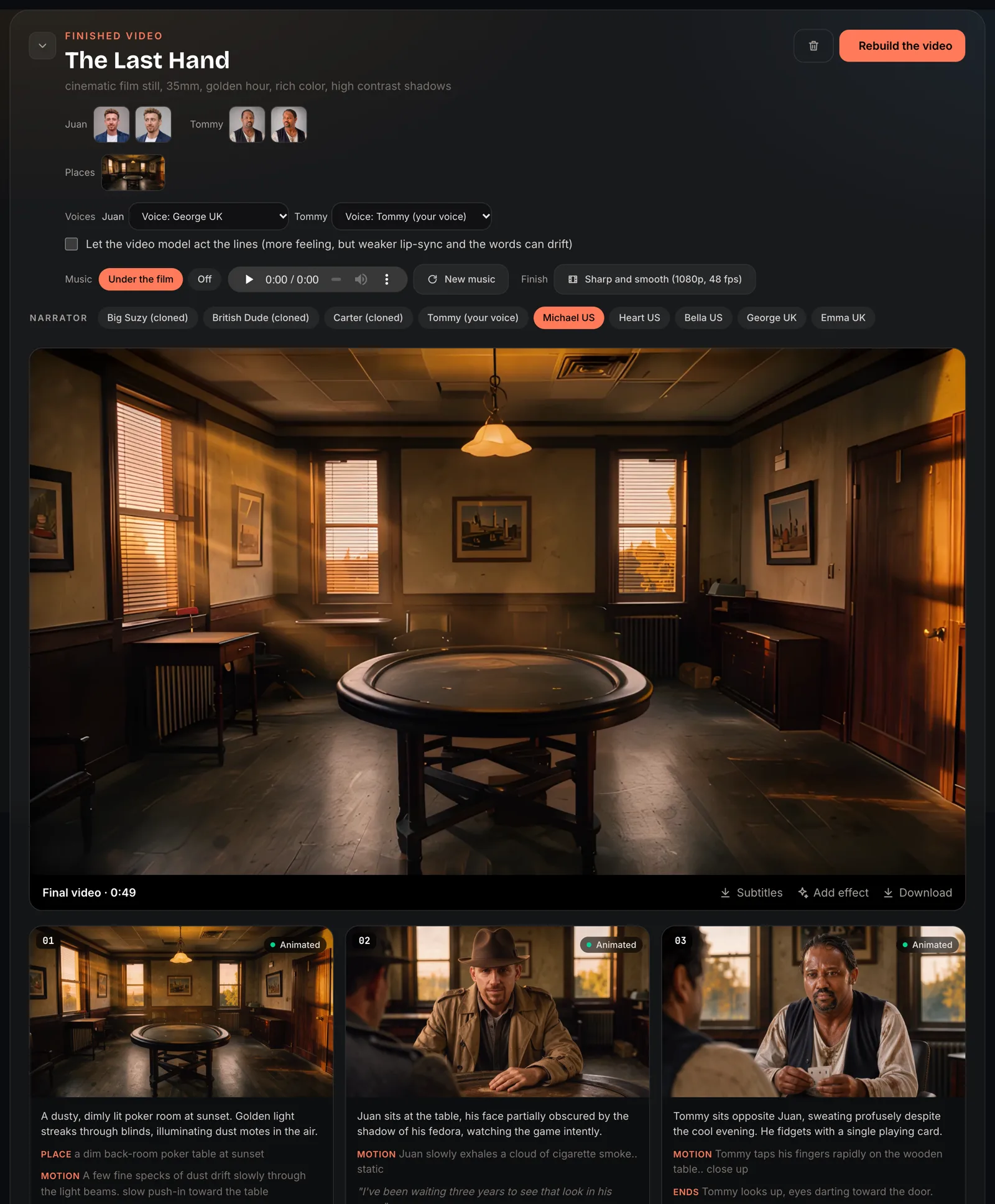
One page per film. Your cast and places at the top, the voices and music beside them, the finished video, then every shot with its picture, its motion and its line. Change a shot and rebuild the video.
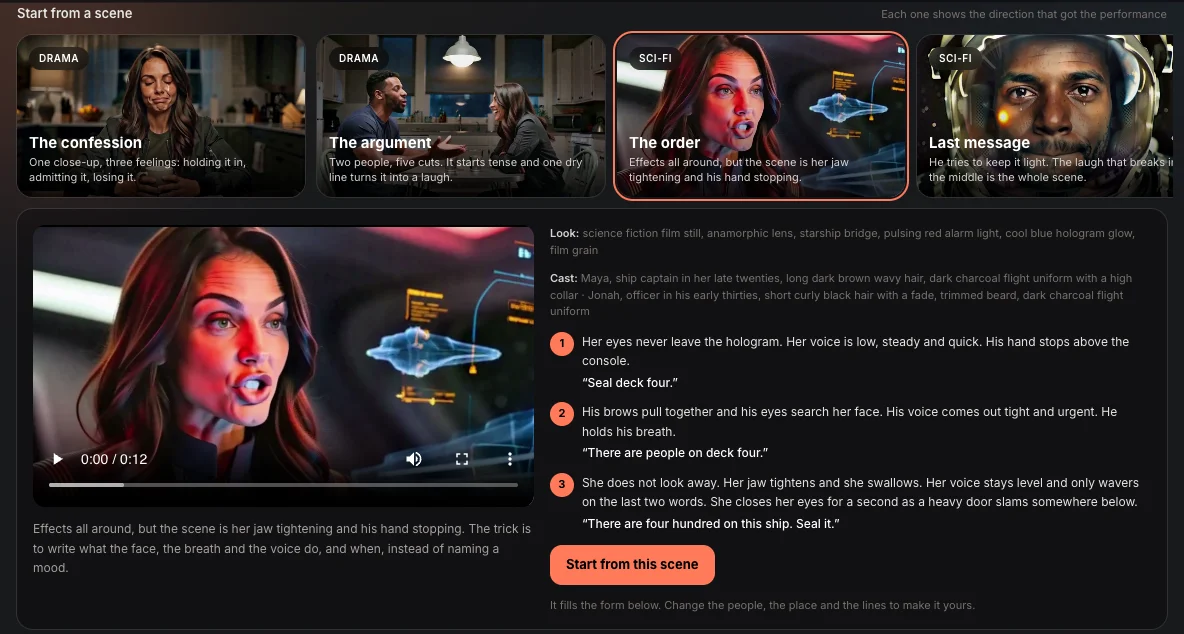
Start from a scene
Every starter opens to the clip and the brief that made it, shot by shot: what the face, the breath and the voice do, and the line. One tap puts all of it in the form, ready for your people, your place and your words.
Effects
Filmed on a balcony camera. Tap the chair, type “a carved golden throne”. Everything else in the shot is the original footage.
Turn it into
Drag to compare
All four effects, 32 seconds
Turn it into, Replace, Remove, Add. Same camera, same footage.
For production companies
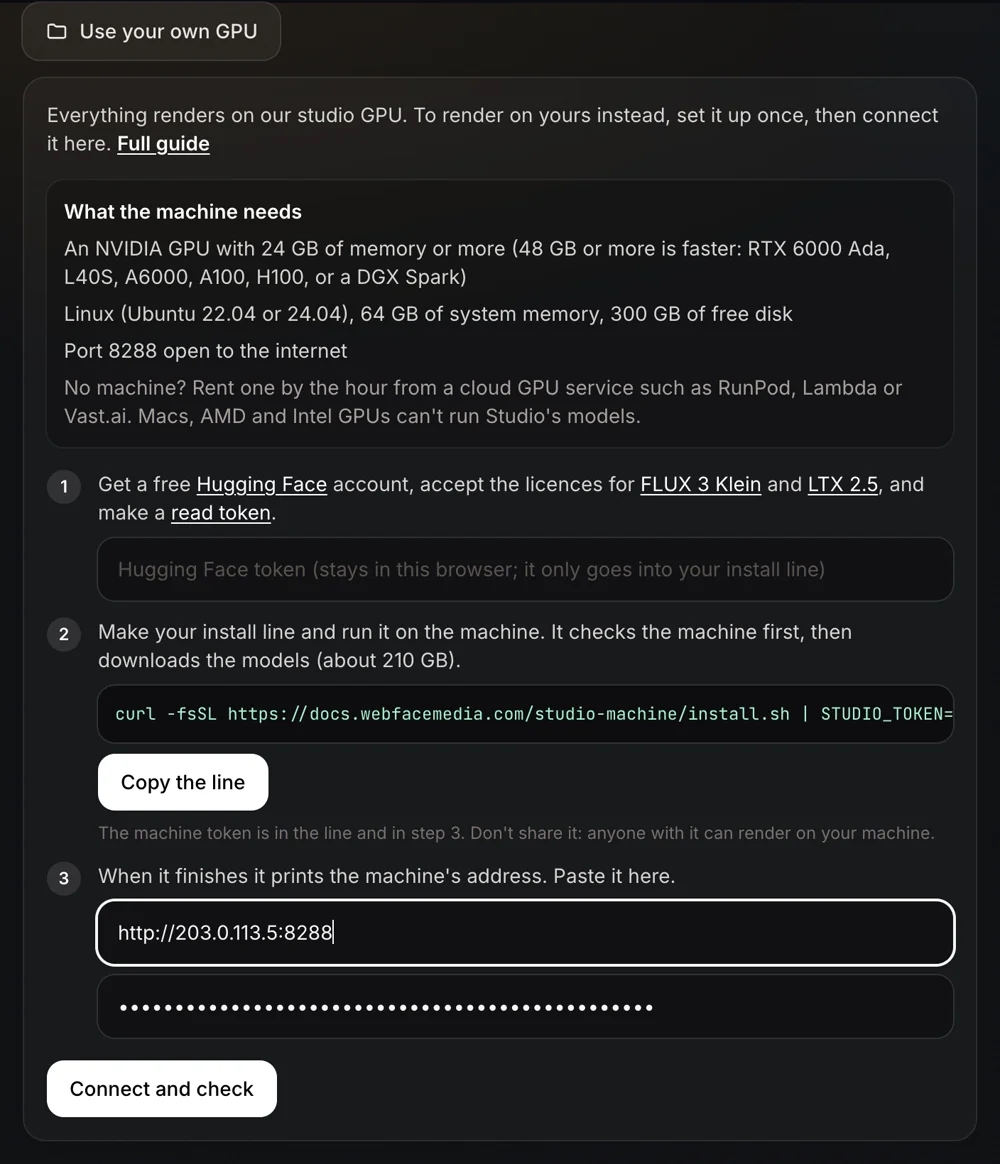
Studio renders on our GPU by default. A studio can connect a machine of its choosing instead, a workstation, a DGX Spark or a GPU rented by the hour, and every picture, shot, effect and song renders there. One install line, then Connect and check.
Storyboard
The same barista in every shot, each shot animated, narrated in a cloned voice, joined into one video.
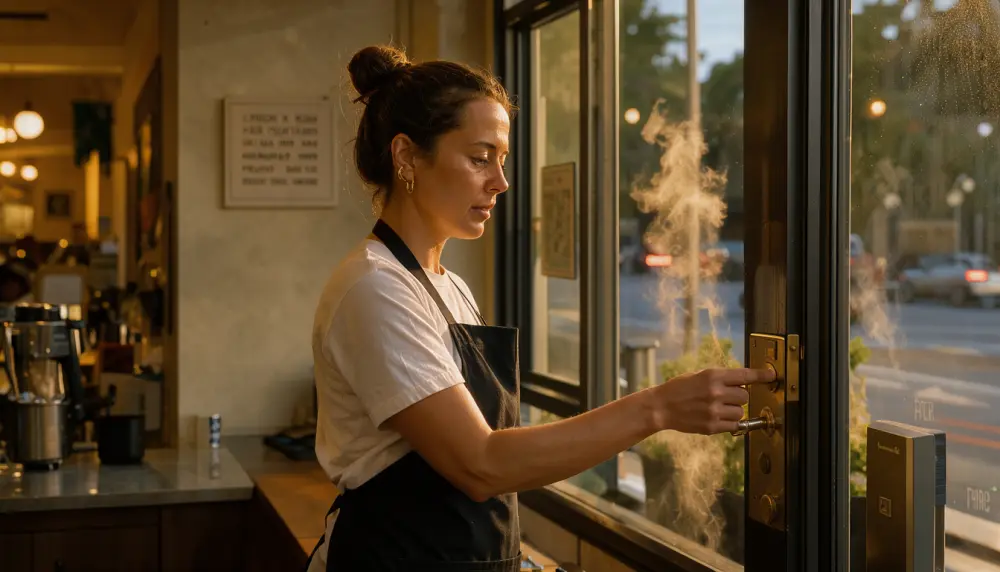 01
She unlocks the cafe door at dawn.
“Every morning starts before the city wakes up.”
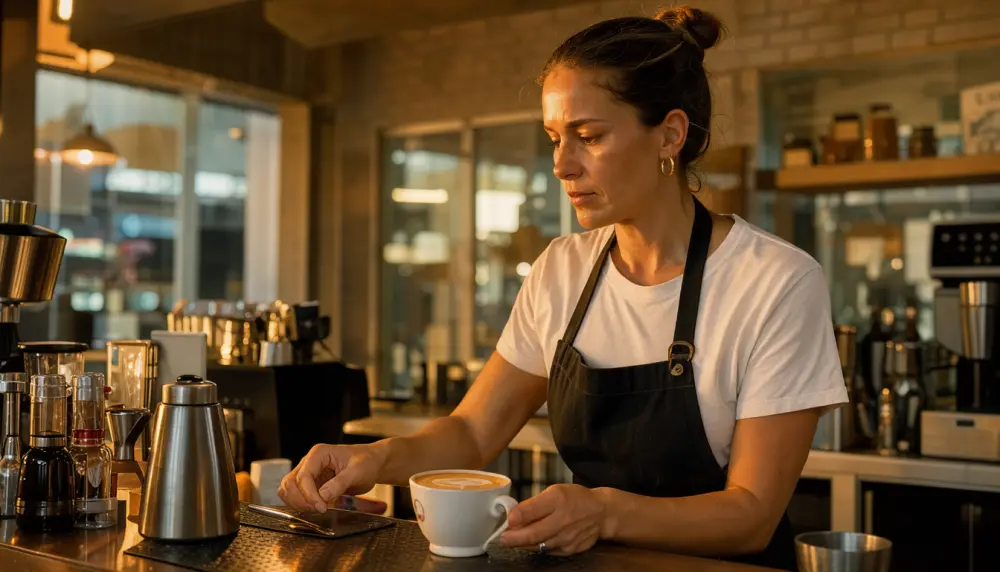 02
She sets a finished latte on the counter.
“And the first cup always tastes like a promise.”
Final video
Two shots, narration, sound, one file.
What it is
Our test bench for what open models can make on hardware a studio controls: our DGX Spark, a workstation, or a GPU rented by the hour. The aim is to bring this kind of production within reach of local setups.
What it isn’t
It isn’t the websites, agents and marketing we run for clients. Studio is a separate project.
How it changes
The field moves fast, and so does the engine. We test new open models as they come out and switch when one does the job better. Results vary from shot to shot, and your feedback decides what we work on next.